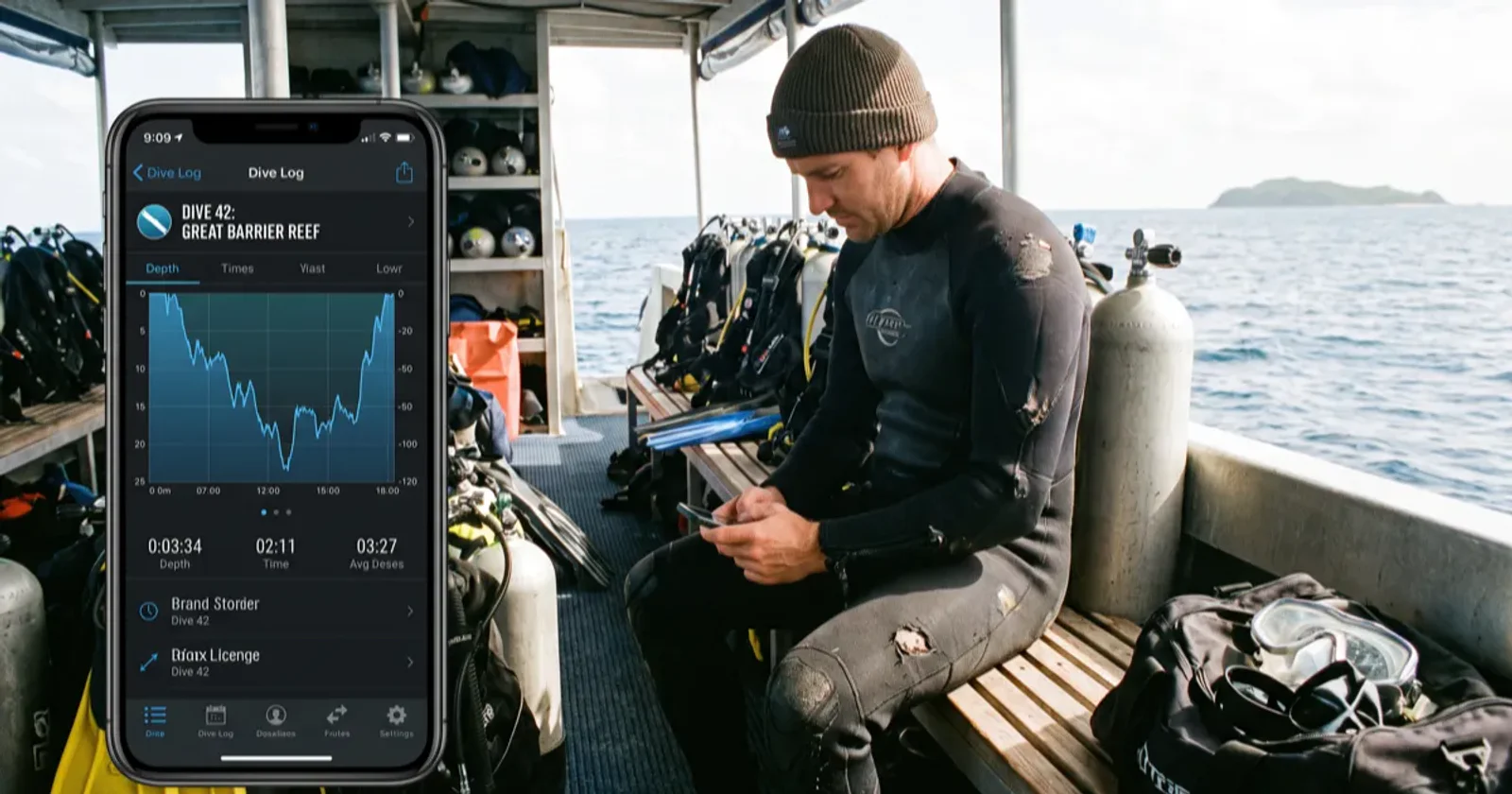
For a beginner, the best dive log app is a free one that captures the basics, depth, time, site, buddy and conditions, without gatekeeping features behind a paywall. It should also grow with you into gear tracking, marine-life sightings and community features as your dive count climbs, rather than being the most feature-dense app on day one.
Is a free dive log app good enough for a new diver?
Yes. The core job of a dive log, recording what you did and where, doesn't need a subscription. What free tiers typically limit is storage past a certain number of dives, advanced gear tracking, or export formats. For your first year or two of diving, none of that matters much. Pick a free app and upgrade later if a specific paid feature actually becomes useful to you.
What should a beginner track in their first 10 dives?
At minimum: depth, bottom time, dive site, buddy, and surface and water conditions. Add anything notable you saw, since that habit turns into a useful personal record once you've logged a hundred dives instead of ten. A few things worth logging beyond the basics:
Water temperature and visibility, so you build a feel for what "good conditions" means at a given site
Weight used, which matters more than you'd expect for dialing in buoyancy over time
Air consumption per dive, an early signal of how your comfort and technique are developing
The best dive log apps for beginners, compared
App | Cost | Offline support | Sighting-log integration | Growth path |
|---|---|---|---|---|
Diveity | Free | Log offline, sync later | Built-in marine species atlas | Community, buddy-finder, dive-site atlas as you grow |
Subsurface | Free, open source | Full offline (desktop-first) | None | Strong for technical/tech divers who outgrow simple logs |
Paid app tier (typical) | Subscription | Varies | Varies, often add-on | Advanced dive planning, gear tracking behind paywall |
Diveity's free tier covers a beginner's needs without a paywall on the basics, and its marine species atlas means an unfamiliar fish you photograph can link straight into the dive it was seen on. Subsurface is a strong, genuinely free option if you're comfortable with a more technical interface and don't need community features; it's popular with divers who eventually move into technical diving and want serious dive-planning tools. Where a subscription app tends to win is dedicated gear-maintenance tracking and detailed dive-planning software, which most beginners won't touch for a while.
How to choose an app that grows with your experience level
Before committing, check a few things: can you export your data if you switch apps later, does it support marine-life or sighting logs if that interests you, and does it have any community or buddy-finding feature if you want to meet other divers through it. An app that locks your log data in a proprietary format is a bad long-term bet, no matter how good it looks on day one.
FAQ
Do I need a dive computer to use a log app? No. You can log manually from memory or from a rented computer's display after each dive. A dive computer with app sync makes entry faster, but it isn't required to start logging.
Can I log dives from a certification course? Yes, and you should. Course dives count toward your total experience and are worth recording the same way as any recreational dive.
Is my data portable if I switch apps? Depends on the app. Check for a CSV or UDDF export option before you commit to one, so you're not stuck re-entering years of dives if you ever move.
Does a free app show ads? Some do, some don't. Check before signing up if that matters to you; Diveity's free logbook doesn't run ads against your log data.
Start your free dive log on Diveity
Diveity's logbook is free, links straight into a marine-life sighting atlas, and grows with you as your dive count climbs. Create a free account and log your next dive from your phone.