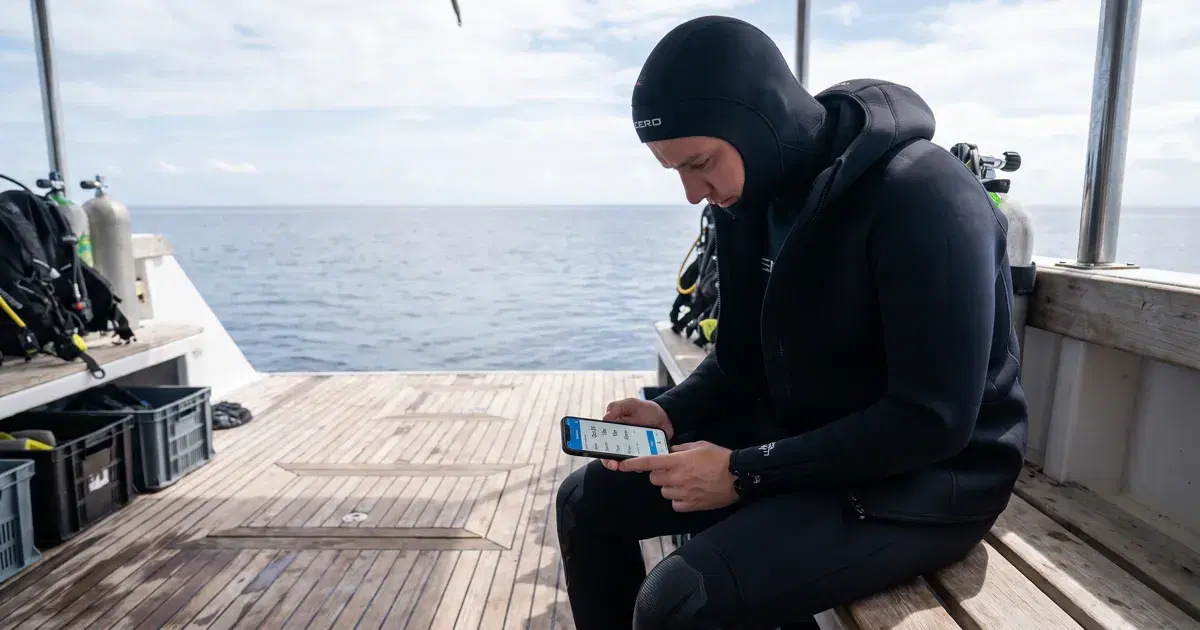
The best liveaboard-ready dive log apps store every entry locally first, then sync once you're back in range of wifi or cell signal. That local-first design matters more than raw feature count when you're logging dives for a week with zero connectivity between them.
Can you log dives on a boat with no phone signal at all?
Yes, as long as the app is built local-first. A local-first app writes every entry straight to your phone's storage the moment you finish a dive, with no dependency on a live connection. A cloud-first app, by contrast, can silently fail to save an entry if it assumes a connection exists and doesn't handle the offline case cleanly. Check this before your trip, not during it.
Which dive log apps sync automatically once you're back online?
App | Offline-first design | Auto-sync on reconnect | Conflict handling |
|---|---|---|---|
Diveity | Yes, entries save locally by default | Yes, syncs in the background once signal returns | Merges by dive timestamp, flags true conflicts for manual review |
Most dedicated dive-log apps | Varies by app; check before you buy | Usually yes once reconnected | Varies; some overwrite silently |
General note-taking / spreadsheet apps | Yes by design | Manual only, no automatic sync | None; you manage it yourself |
Confirm this behavior with a quick test dive near home before you commit a whole liveaboard trip's worth of logs to an app you haven't tried offline.
What's the best dive log app for a liveaboard trip with no wifi?
Diveity's logbook writes entries locally first and syncs automatically once you're back in signal range, so it holds up on a week-long liveaboard without a single dropped entry. It's not the only option. A handful of dedicated dive-computer companion apps handle offline logging well too, particularly if you want deeper technical-diving data (gas mixes, deco stops) that a general-purpose logbook doesn't track in the same depth. If that's your priority, it's worth comparing directly against your dive computer's own companion app before the trip.
What should you discuss with a new buddy before the first dive?
This isn't the main question here, but it comes up often enough on liveaboards to flag: confirm your buddy's air consumption norms, agree on hand signals in advance, and set a shared turnaround pressure before you're both in the water. A dive log that shows real logged history for both of you (not just a self-reported cert level) makes that first conversation a lot easier.
FAQ
Does offline mode drain battery faster? Not meaningfully. Writing a log entry to local storage uses negligible battery compared to running GPS or a live network connection, so offline logging is actually gentler on battery than an app trying to hold a connection it can't get.
What happens if entries are logged out of order for days? A properly built app timestamps each entry at the moment you save it and reorders on sync, so a week of out-of-order offline entries should slot back into the correct sequence once you're back online. Test this before you rely on it for a full trip.
Are there storage limits offline? Text-based dive log entries are tiny; storage limits are rarely a real constraint unless you're attaching a lot of high-resolution photos per dive. If you plan to photo-log heavily, check your phone's free storage before a long trip.
Is manual entry still required without a paired dive computer? Yes, if your dive computer doesn't sync directly to the app. You'll enter depth, time, and conditions by hand after each dive, which takes a couple of minutes and is worth doing the same day, while details are fresh.
Log your dives on Diveity, online or off
Diveity's logbook saves every dive locally the moment you log it, then syncs automatically once you're back in range. Start a free logbook before your next liveaboard trip.